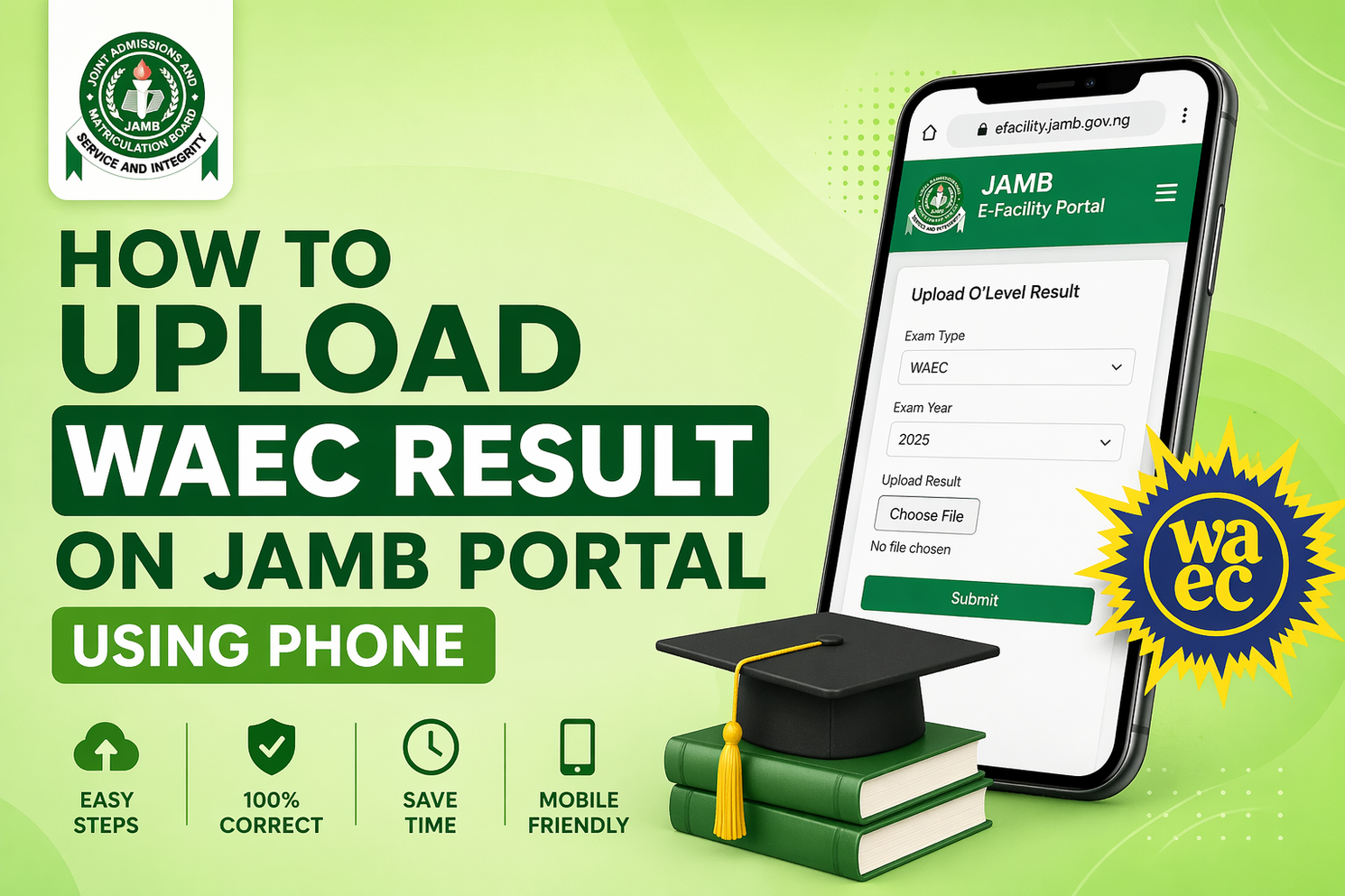
How to Upload WAEC/NECO Result on JAMB Portal Using Your Phone (2026 Guide)
If you are serious about gaining admission into any Nigerian university, polytechnic, or college of education, uploading your O’Level result on the JAMB portal is not optional—it’s mandatory.
Every year, thousands of candidates score high in UTME but still miss admission simply because their WAEC, NECO, or NABTEB result was not uploaded correctly or on time. This single mistake can silently disqualify you, even if you meet all other requirements.
This guide explains everything clearly—from when to upload, to how to do it using your phone, and how to confirm it worked—so you don’t lose your admission due to avoidable errors.
Why Uploading Your O’Level Result on JAMB Portal Is So Important
The Joint Admissions and Matriculation Board uses its CAPS (Central Admissions Processing System) to process all admissions in Nigeria. Schools rely on this system to verify your academic qualifications.
If your WAEC or NECO result is not uploaded:
- You will not be considered for admission
- Your CAPS status may remain “Not Admitted” indefinitely
- Schools cannot verify your eligibility
- You may miss admission even with 300+ in UTME
In simple terms: No upload = No admission
When Is the Best Time to Upload Your WAEC/NECO Result?
Timing is critical.
You should upload your result:
- Immediately after JAMB registration (if you already have your result)
- As soon as your result is released (if you used Awaiting Result)
Both UTME and Direct Entry candidates must complete this step.
Many candidates delay this process, thinking it’s not urgent. That delay can cost you admission—especially when schools begin screening and shortlisting candidates early.
The safest rule: Upload immediately your result is available.
Can You Upload WAEC/NECO Result Using Your Phone?
Yes—but with an important warning.
While it is technically possible to use your phone, the recommended and safest method is through a JAMB-accredited CBT centre.
Why?
It’s because if the following reasons listed below;
- Some phone uploads fail silently
- Wrong formatting can lead to rejection
- Cyber cafés are not officially authorized
If you must use your phone, follow the correct steps carefully.
1. First Method: Upload WAEC/NECO Result Using Your Phone (JAMB Portal)
Here is a clear step-by-step process:
Step 1: Visit the Official JAMB Portal
Go to official jamb portal which is provided below;
https://efacility.jamb.gov.ng/
Step 2: Log Into Your Profile
Use your registered email address and password.
Step 3: Access CAPS
- Click on Check Admission Status
- Then click Access My CAPS
Step 4: Locate O’Level Upload Section
Inside CAPS, find the option to upload your result.
Step 5: Enter Exam Details
- Select exam type (WAEC, NECO, NABTEB)
- Choose exam year
- Enter your result details correctly
Step 6: Upload Your Result
- Upload a clear scanned copy
- Format: JPEG or PNG
- File size: usually under 50KB
Step 7: Review and Submit
Double-check everything before submitting.
Once submitted, ensure your details are correct. Errors here can affect your admission.
2. Second Method: Upload Through a JAMB-Accredited CBT Centre
This is the safest and most reliable method.
What You Need:
- JAMB registration number
- Printed or digital copy of your WAEC/NECO result
- Small service fee
Steps:
- Visit any accredited CBT centre
- Provide your details to the operator
- They will upload your result directly into your profile
- Request proof (printout or screenshot)
This method reduces errors and ensures your upload is properly recorded.
How to Confirm Your WAEC/NECO Result Has Been Uploaded
Uploading is not enough—you must verify it.
Follow these steps:
- Go to https://efacility.jamb.gov.ng/
- Log into your profile
- Click Check Admission Status
- Select Access My CAPS”l
- Click My O’Level Result
What You Should See:
- Your subjects and grades displayed correctly
If You See:
- AR: it means (Awaiting Result)
- Or blank space
It means your upload failed or was not done.
You must re-upload immediately.
Common Mistakes Candidates Make
Many admission failures come from simple errors like:
1. Not Uploading at All
Some candidates assume schools will access their result automatically. That’s wrong.
2. Using Cyber Cafés
Most are not authorized and may upload incorrectly.
3. Uploading Blurry or Incorrect Results
If the image is unclear, it may be rejected.
4. Delaying Upload
Waiting too long can make you miss screening deadlines.
5. Using Wrong Exam Details
Incorrect year or exam body can disqualify you.
Important Tips to Increase Your Admission Chances
If you want to secure admission without issues:
- Upload your result early
- Use a JAMB-accredited CBT centre
- Double-check all entries
- Keep proof of upload
- Regularly check your CAPS status
Also, ensure your name matches across all documents (JAMB, WAEC, NIN).
What Happens After Uploading Your Result?
Once your O’Level result is successfully uploaded:
- Your chosen institution can now verify your qualifications
- Your admission status can be processed on CAPS
- You become eligible for admission consideration
Without this step, your admission process is incomplete.
Final Advice
Uploading your WAEC or NECO result on the JAMB portal is one of the most critical steps in the entire admission process in Nigeria.
It’s not something to postpone or ignore.
Do it early, do it correctly, and always confirm it has been successfully uploaded.
A small step like this can be the difference between getting admission this year—or waiting another year.
Frequently Asked Questions (FAQs)
When exactly should I upload my WAEC or NECO result on the JAMB portal?
The best time to upload your result is immediately after it is released. If you used “Awaiting Result” during registration, don’t wait until admission starts—upload it as soon as possible. Early upload ensures your chosen institution can review your full profile during screening.
Can I gain admission if my O’Level result is not uploaded on JAMB CAPS?
No, you cannot. Even if you score very high in UTME, your admission will not be processed without your O’Level result on CAPS. Schools depend on this to verify your eligibility.
Is it safe to upload my result using my phone?
Yes, but it comes with risks if done incorrectly. Many candidates make mistakes when using their phones, such as uploading unclear files or selecting wrong exam details. The safest option is still a JAMB-accredited CBT centre, where trained operators handle the process properly.
How much does it cost to upload WAEC/NECO result on JAMB portal?
Uploading through a CBT centre usually costs a small service fee (often between ₦500 – ₦1,000). The official portal itself does not charge for uploading, but errors from self-upload can cost you admission.
How do I know if my result upload was successful?
Log in to your JAMB profile, access CAPS, and check the “My O’Level Result” section. If your subjects and grades are visible, your upload was successful. If it shows “AR” (Awaiting Result) or nothing at all, then it was not uploaded correctly.
Can I upload my result more than once?
Yes, but only if the first upload was incorrect or missing. However, avoid repeated unnecessary uploads, as inconsistent data may create issues during admission processing.
What happens if I upload the wrong result or wrong exam year?
This can lead to disqualification or delays in your admission. If you notice an error, you should correct it immediately at a CBT centre to avoid problems during screening.
Is uploading WAEC result compulsory for Direct Entry candidates?
Yes, it is compulsory. Whether you are applying through UTME or Direct Entry, your O’Level result must be uploaded on the JAMB portal for your admission to be considered.
Can I use a cyber café to upload my result?
It is strongly discouraged. Most cyber cafés are not authorized and may not complete the process correctly. Always use a JAMB-accredited CBT centre for safety and accuracy.
Will my school still admit me if I upload my result late?
Late upload is risky. Some institutions finalize admissions early, and if your result is not available on CAPS at that time, you may be skipped. Upload early to stay on the safe side.
Do I need to upload both WAEC and NECO if I used two sittings?
Yes. If you are combining results (e.g., WAEC + NECO), you must upload both correctly so your institution can assess your full qualifications.
What if my CAPS shows ‘Admission in Progress’ but my result is not uploaded?
That is a red flag. Your admission may not be completed until your O’Level result is uploaded. Fix it immediately to avoid losing the offer.
Related Posts:
How to Check JAMB Result 2026 Online or via SMS (Full Step-by-Step Guide)
How to Score Above 300 In the 2026 JAMB UTME: Proven Tips And Strategies
JAMB Mock Exam Slips 2026: How to Check & Print Yours Easily
Best State Universities In Nigeria 2026: Accredited Programs & Rankings
Courses Under Science Department In Nigeria 2026: Full List of High-Paying Courses to Study